Better Than Wolves Mod changes a lot of Minecraft, so small setup mistakes show up quickly. Most problems with the Forge 1.20.1 port come from version mismatches, the wrong folder or other mods. Work through the sections below in order and you will usually find the cause.
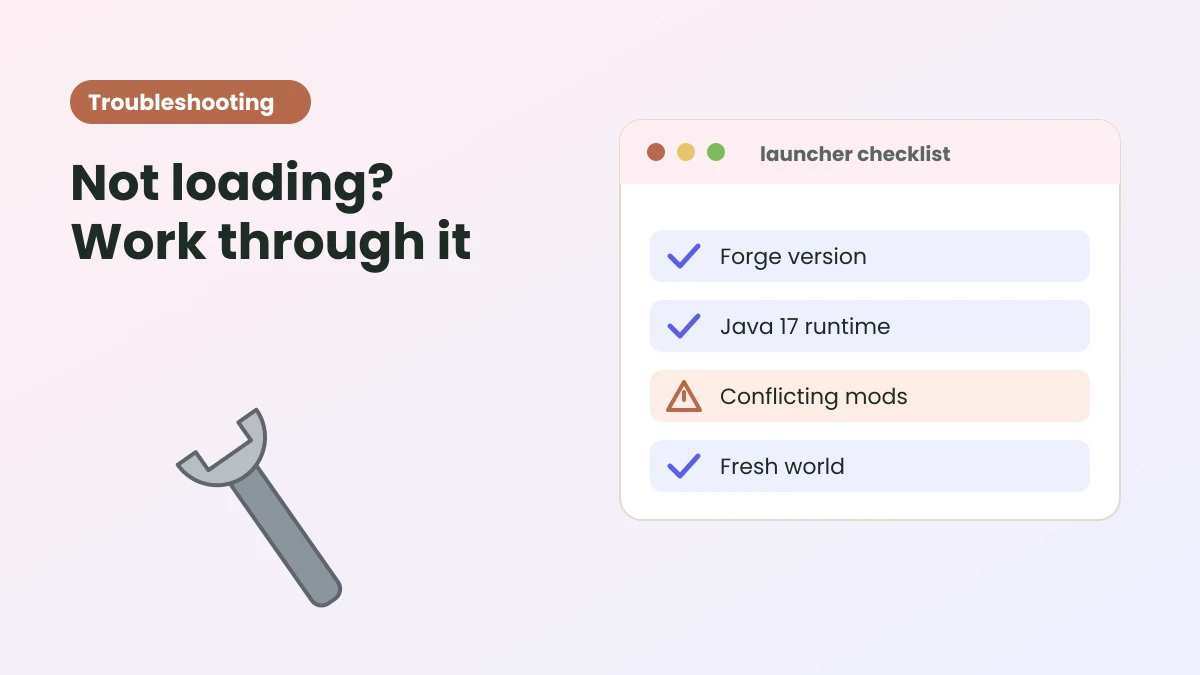
Start with the basics
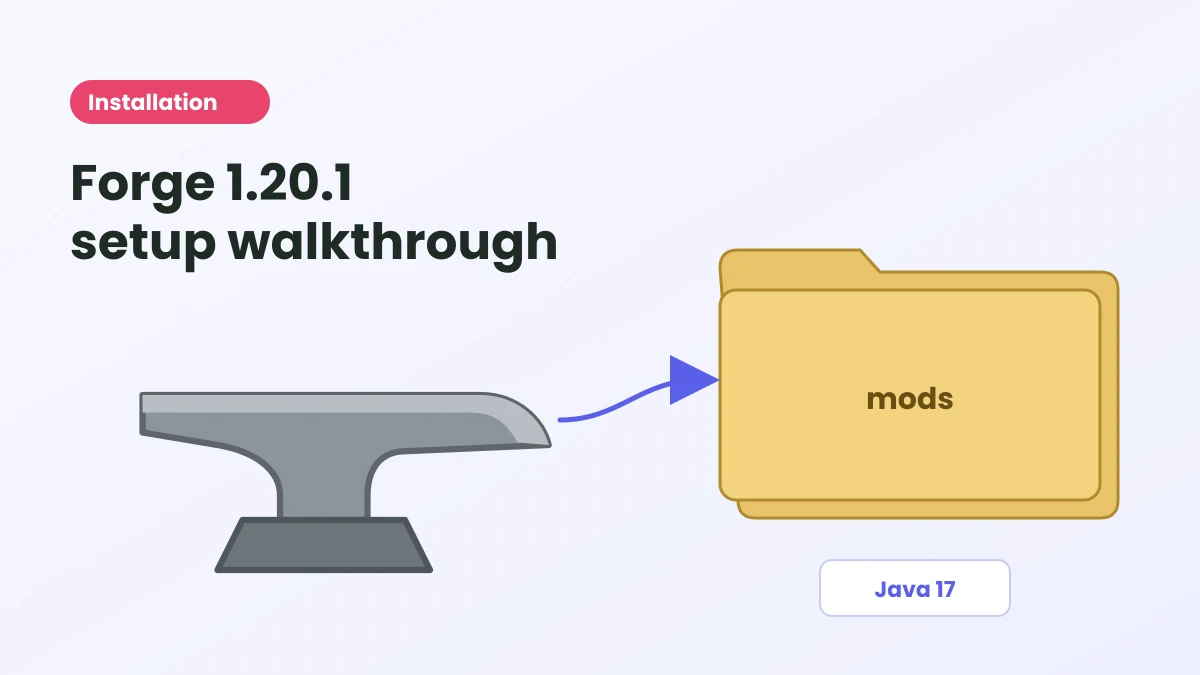
- Minecraft Java Edition 1.20.1.
- Forge 47.3.0 or newer for 1.20.1.
- Java 17.
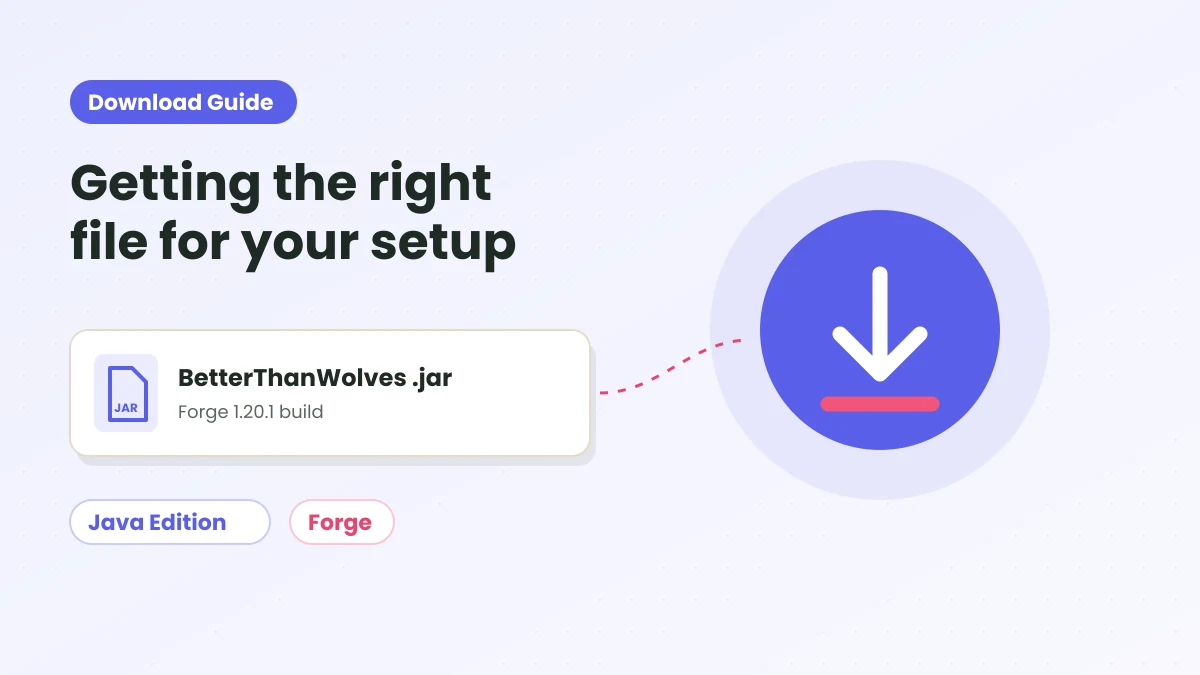
- The Better Than Wolves .jar in the mods folder of the profile you are launching.
- A new world, not an existing save.
If any of these is off, fix it before trying anything else.
The game crashes on launch
Likely causes: an older Forge build, the wrong Java version or a conflicting mod.
- Update Forge to 47.3.0 or newer for 1.20.1.
- Check your launcher's Java setting points to Java 17.
- Temporarily remove every mod except Better Than Wolves (and JEI if you use it). If the game starts, add the others back one at a time.
- Open the newest file in crash-reports and look for the mod named near the top of the error.
The mod does not appear in the Mods list
- Make sure you launched the Forge profile, not the vanilla one.
- Third-party launchers keep separate folders per instance. Open the folder from inside the launcher to be sure you are in the right one.
- The file must be a .jar directly inside mods, not inside a subfolder or zip.
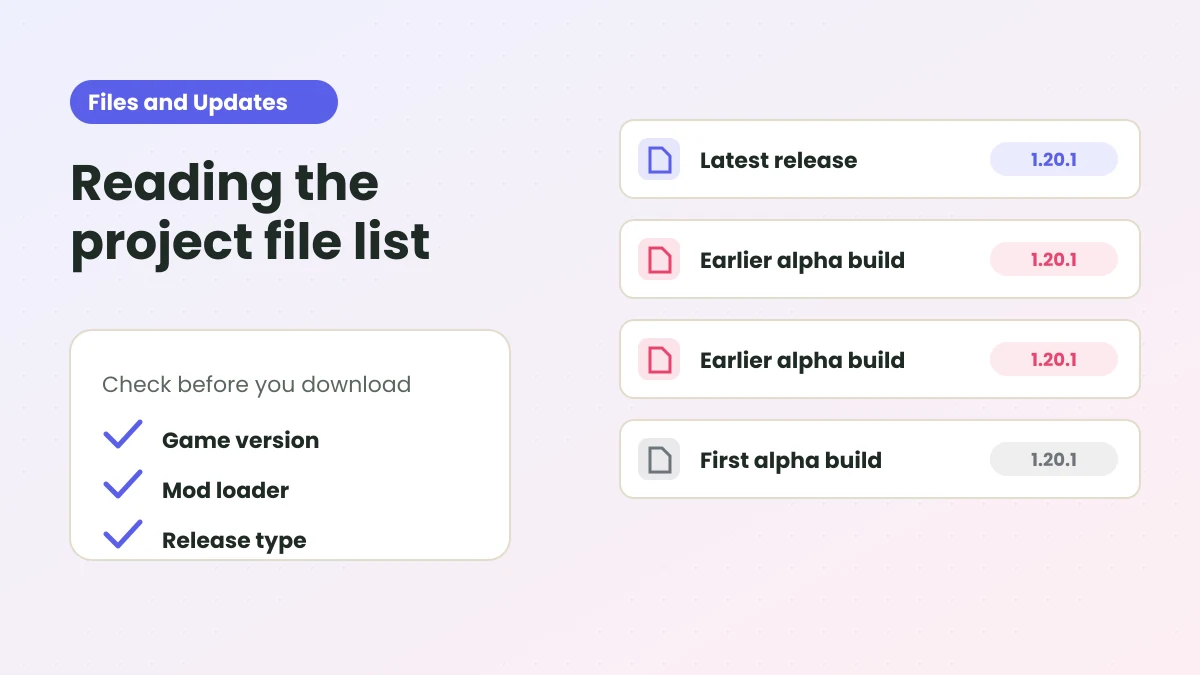
- Check the file name contains 1.20.1. Files for other versions are ignored or cause errors.
Conflicts with other mods
The project page warns that food, hunger, combat and tool-durability overhaul mods may conflict, because the port replaces the vanilla food system. Remove those first. Keep a small, separate instance for Better Than Wolves rather than adding it to a large existing modpack.
Also remember that Community Edition addons, such as Nightmare Mode, are built for 1.6.4 Legacy Fabric and will not work here.
Odd visuals, renderers or models
The port describes itself as an ongoing beta in which some visual polish, renderers and models are still in progress. Occasional visual issues are expected. Check the CurseForge files guide to see whether a newer build is available, and report reproducible problems on the project page.
Problems in an existing world
The port is recommended for fresh worlds only. Loading it into an old save can produce strange results because core systems change. Restore a backup of that world without the mod, and start a new world for Better Than Wolves.
Cannot join a server
- The server and every client need the same Better Than Wolves file and a compatible Forge version.
- Remove client-only mods that the server does not have, if the server reports a mismatch.
- Restart the server after changing its mods folder.
Reporting a bug
This site is an independent guide and cannot fix the mod. If you have found a real bug, report it to the developer through the official project page, including your Forge version, the exact file name and the crash report. Clear reports help the port improve faster.
Ready to try Better Than Wolves Mod?
Get the Forge 1.20.1 build and follow the setup steps on the homepage.