The Better Than Wolves Mod Forge port runs on Minecraft Java Edition 1.20.1. Installing it is a standard Forge setup, but getting the versions right matters because the mod changes so much of the game. This walkthrough takes you from a clean launcher to your first BTW world.
Before you start
Make sure you have:
- A Minecraft Java Edition account and launcher.
- About ten minutes and a stable connection for the Forge download.
- A backup of any existing worlds, or a plan to use a separate profile or instance.
The project's stated requirements are Forge 47.3.0 or newer and Java 17. JEI 15.3.0.8 or newer is optional.
Step 1: Check Java 17
Forge for Minecraft 1.20.1 runs on Java 17. The official launcher and most popular third-party launchers manage a suitable Java runtime for you. If you have set a custom Java path in your launcher, make sure it points to a Java 17 installation, otherwise Forge may fail before the main menu.
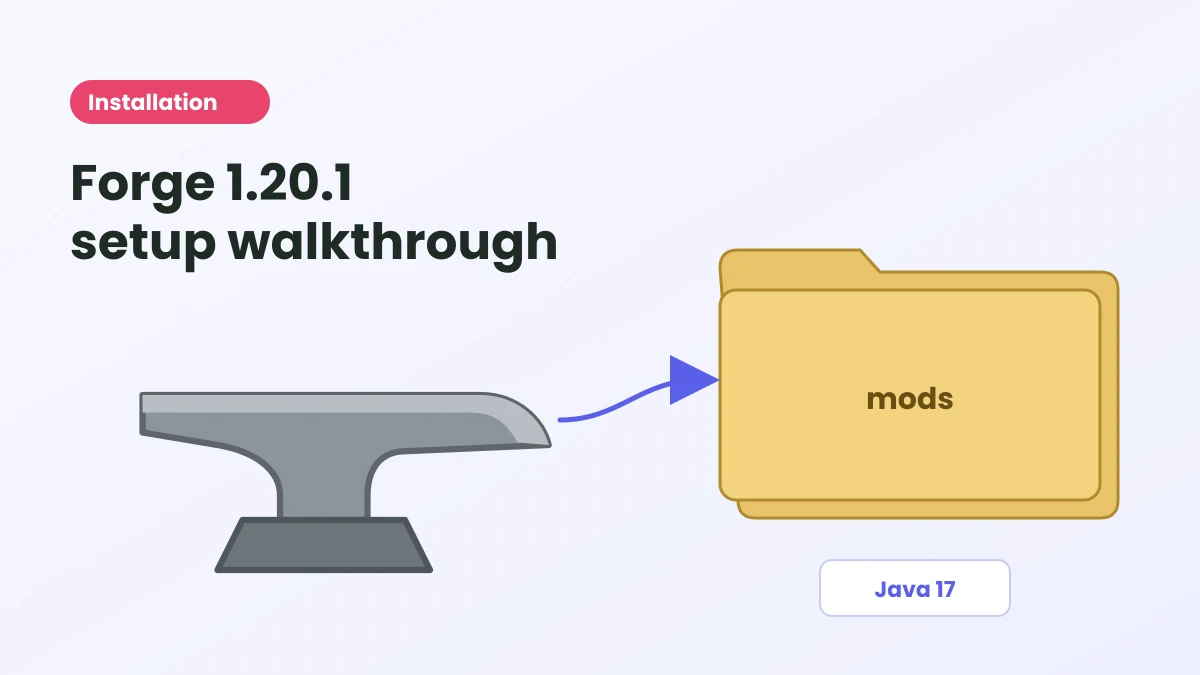
Step 2: Install Forge for 1.20.1
- Visit the official Forge website and open the downloads for Minecraft 1.20.1.
- Pick a build that is 47.3.0 or newer and download the installer.
- Run the installer, choose Install client, and confirm the Minecraft folder it suggests.
- Wait for the success message.
Only download Forge from its official website. Avoid ad-heavy mirrors that offer "Forge installers" with extra software attached.
If you use a launcher with instance management, create a new Forge 1.20.1 instance there instead and choose a 47.3.0 or newer Forge version in its settings.
Step 3: Launch Forge once
Select the new Forge 1.20.1 profile in your launcher and press play. Wait until the main menu appears, then quit. This first launch creates the folders Forge needs, including mods.
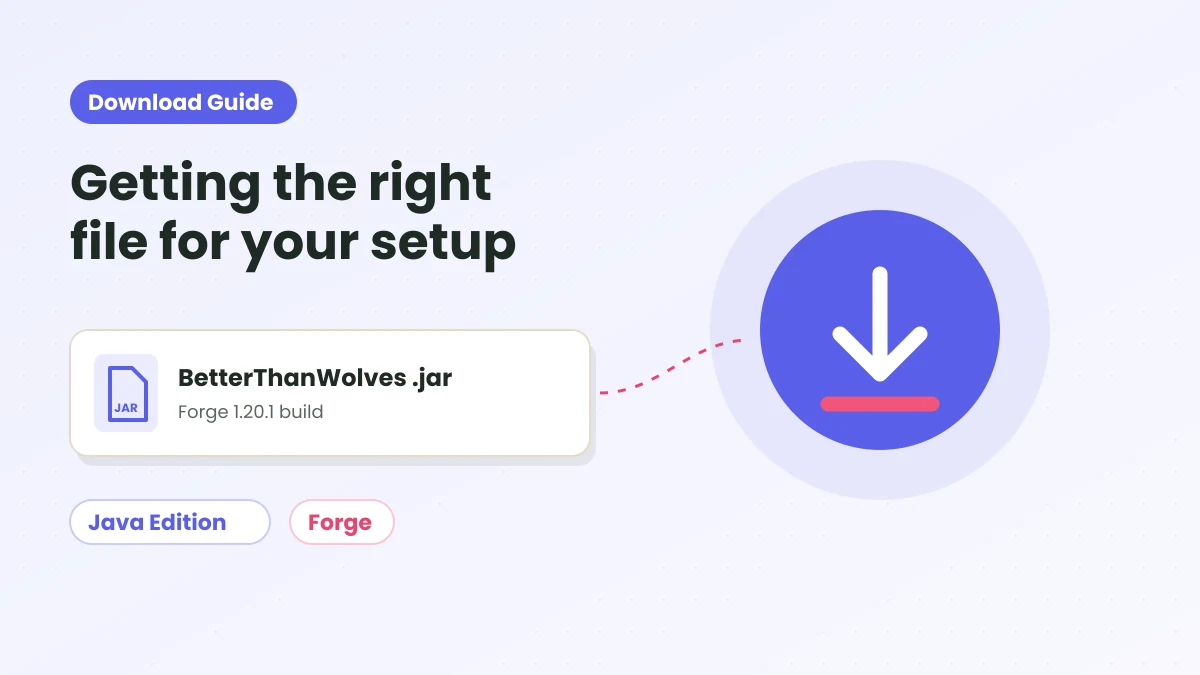
Step 4: Add the Better Than Wolves Mod file
- Download the mod with the button in the Download section.
- Open your Minecraft folder. On a default setup that is the .minecraft folder; in a launcher instance, use that instance's folder.
- Move the .jar into mods. Keep the file name unchanged and do not extract it.
Step 5 (optional): Add JEI
JEI is not required, but the port integrates with it. With JEI 15.3.0.8 or newer for 1.20.1 in the same mods folder, you can browse recipe categories for the cauldron, crucible and mill stone in-game.
Try to keep the instance lean otherwise. The project warns that food, hunger, combat and tool-durability overhaul mods may conflict with it.
Step 6: Create a fresh world
Launch the Forge profile again and open the Mods list to confirm Better Than Wolves appears. Then create a new world. The port is recommended for fresh worlds only, since it changes hunger, progression and other core systems that existing saves were not built around.
Installing on a server
CurseForge lists the project environment as client and server. For a Forge 1.20.1 server, install the same Forge version on the server, place the identical Better Than Wolves Mod .jar in the server's mods folder, and give every player the same file for their client. Mismatched versions are the most common reason players cannot join.
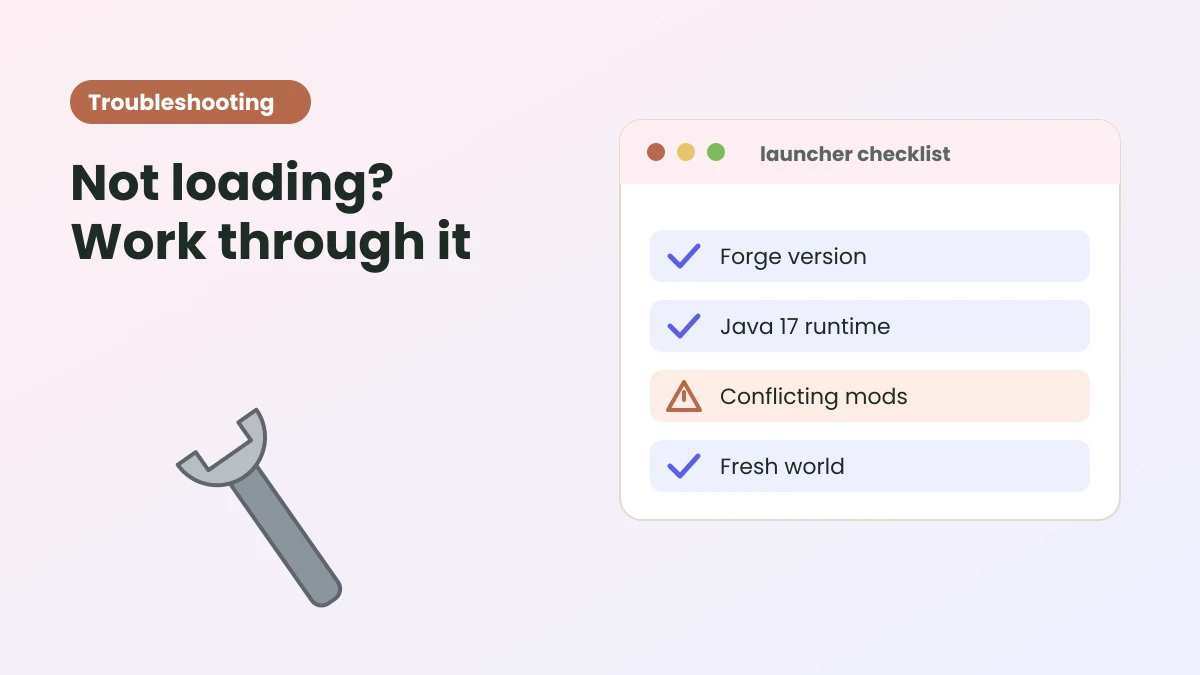
If it does not start
Most failures come down to a wrong Forge or Java version, the file sitting in the wrong instance's folder, or a conflicting mod. Work through the troubleshooting guide, and check the compatibility table on the homepage.
Ready to try Better Than Wolves Mod?
Get the Forge 1.20.1 build and follow the setup steps on the homepage.