Searching for a Better Than Wolves mod download turns up several different projects, old 1.5.2 files and re-uploads with confusing names. This guide explains exactly which file the download button on this site points to, what it needs to run, and how to check it before it goes anywhere near your mods folder.
Which file this site links to
The main download button on our homepage points to a file in the Better Than Wolves [MODERN PORT] project on CurseForge. That project is a Forge port of FlowerChild's original Better Than Wolves, which was made for Minecraft 1.5.2, brought forward to Minecraft Java Edition 1.20.1.
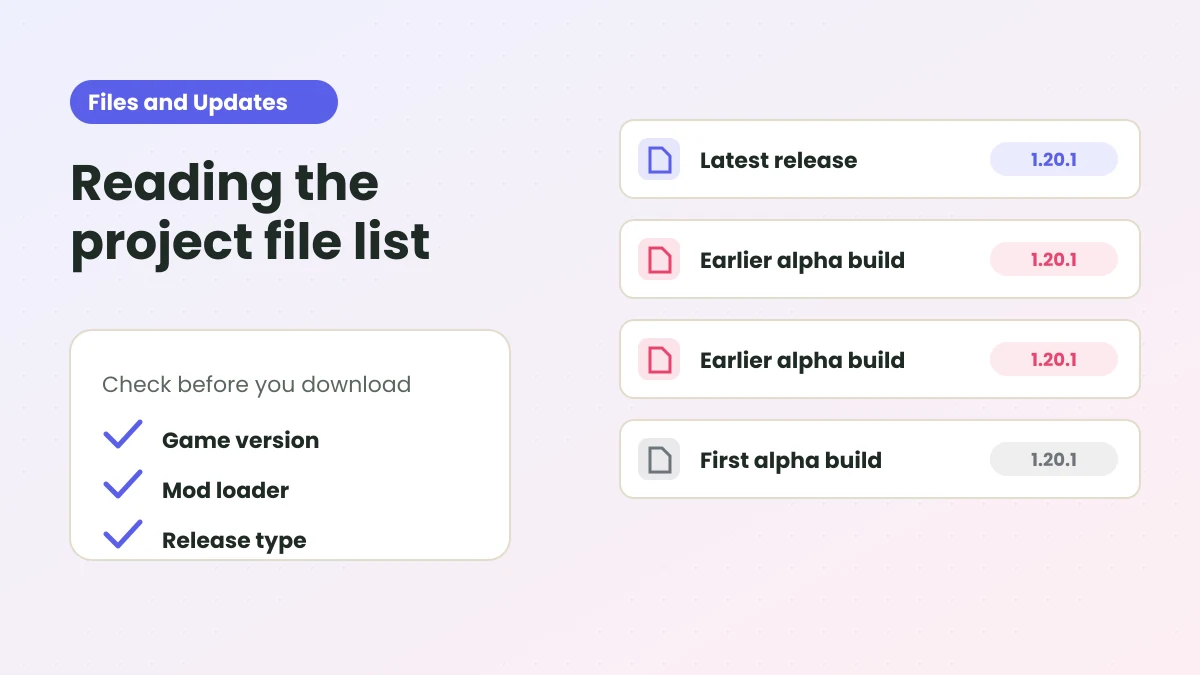
When we checked the project's file list on October 18, 2026, the linked file was:
| Detail | Value |
|---|---|
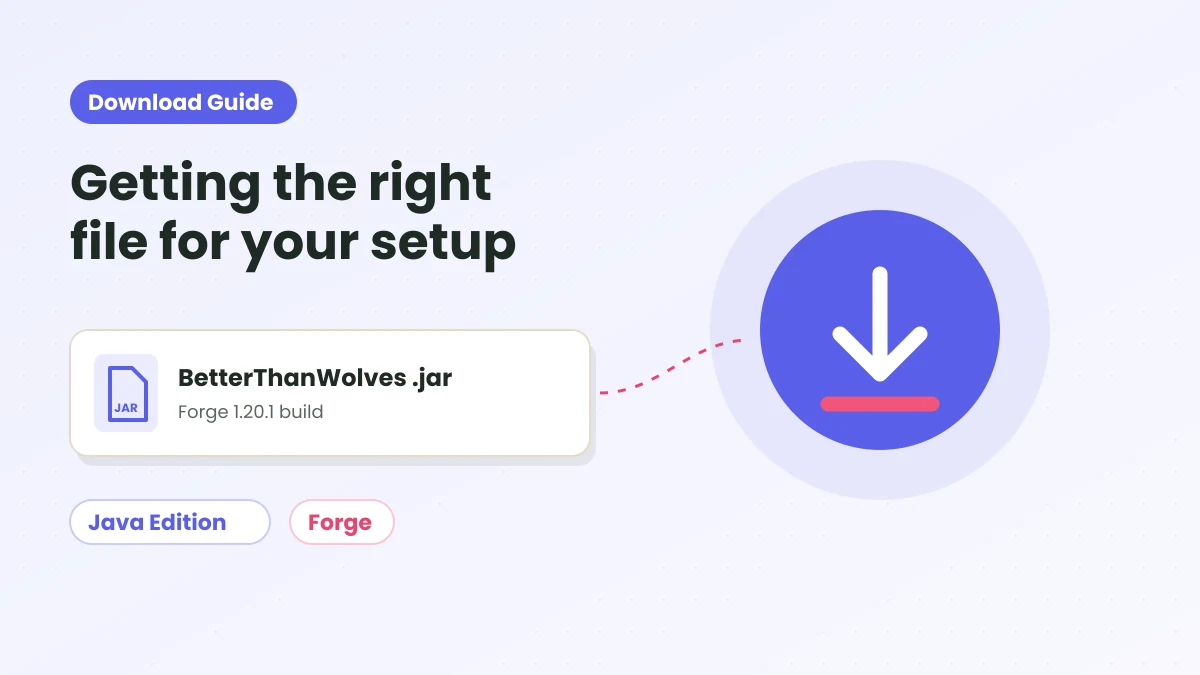
| File name | BetterThanWolves-1.20.1-1.5.1-alpha.5.jar |
| Game version | 1.20.1 |
| Mod loader | Forge |
| Uploaded | October 15, 2026 |
| Label on CurseForge | Latest release |
The file is downloaded from CurseForge's own servers. This site does not host, modify or repackage it.
What the download needs to run
A .jar mod does nothing on its own. Before you download, make sure your setup matches what the project page lists:
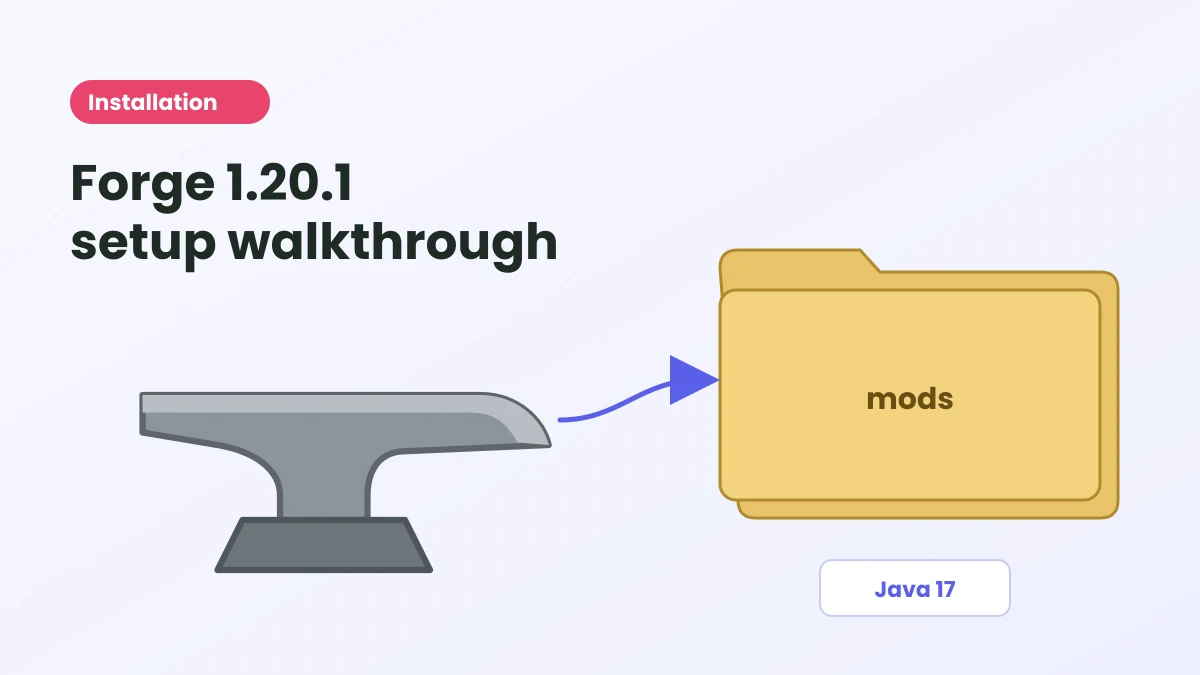
- Minecraft Java Edition 1.20.1. Not Bedrock, not PE, and not a different Java version.
- Forge 47.3.0 or newer for 1.20.1.
- Java 17, which is what Forge 1.20.1 expects.
- JEI 15.3.0.8 or newer is optional if you want recipe pages for the cauldron, crucible and mill stone.
If any of these are missing, follow our Forge 1.20.1 installation guide first.
Files you might confuse it with
Better Than Wolves has a long history, so several unrelated files share the name. Here is how to tell them apart:
The original mod
FlowerChild's original releases covered Minecraft 1.0 to 1.5.2. They are legacy files for very old game versions and will not work on 1.20.1.
Better Than Wolves: Community Edition
CE is a community continuation for Minecraft 1.6.4 on Legacy Fabric, published on Modrinth. Its own page notes that it does not work with the Modrinth launcher and points to the CE wiki for installation. It is a different install from the Forge port.
Addons and look-alikes
Addons such as Nightmare Mode target CE, and there are other mods and modpacks with "wolves" in the name. If a file does not say 1.20.1 and Forge, it is not the file this site links.
Our editions comparison covers these differences in more depth.
How to check the file before installing
- Check the name. It should start with BetterThanWolves-1.20.1 and end in .jar.
- Do not unzip it. Forge loads the .jar as is.
- Look at the source. If you downloaded from anywhere other than CurseForge, delete it and use the official link.
- Scan it if you like. Running your own security software over any download is a sensible habit.
Watch out for sites that wrap mod files in .exe "installers". A Forge mod for 1.20.1 is a .jar file that you copy into a folder; it does not need its own installer.
Getting a newer build later
The port is under active development and each file carries an alpha label. New builds can appear at any time on the CurseForge files page. To update, remove the old .jar from your mods folder, add the new one, and read any notes the developer posts before using it on a world you care about.
Our CurseForge files guide explains how to read version names and dates on that page.
Next steps
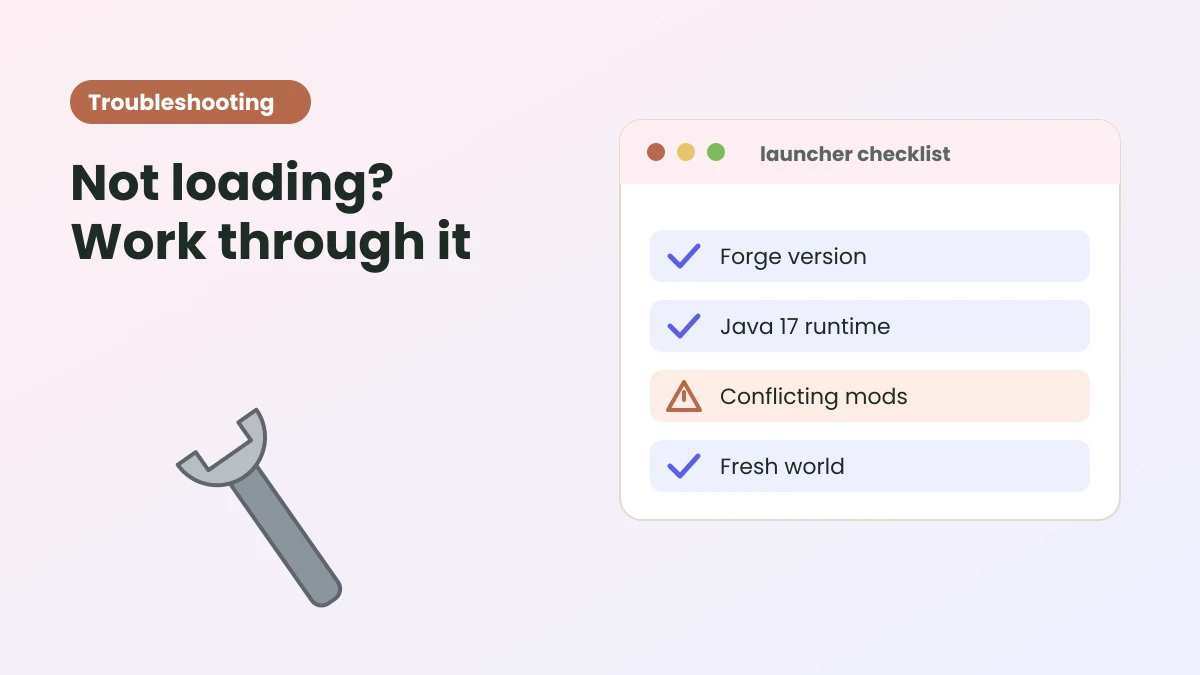
Once the file is downloaded, head to the installation steps on the homepage or the full Forge walkthrough. If something goes wrong, the troubleshooting guide covers the usual causes.
Ready to try Better Than Wolves Mod?
Get the Forge 1.20.1 build and follow the setup steps on the homepage.